
CANON REMOTE CAMERA CONTROL APPLICATION
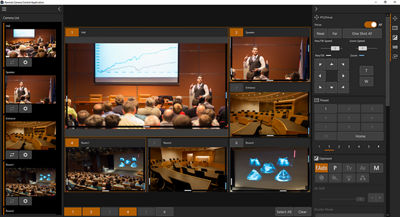
Complete your PTZ and Professional Video infrastructure with this free Canon software that enables control of up to 20 Canon PTZ and Professional Video cameras, nine of which can be shown as a live preview at any one time on the user interface.
Connect and control from your own network
Take control of your remote cameras with this free software controller, designed to operate up to 20 PTZ and Professional Video cameras over IP. Preview up to nine cameras on screen and make adjustments to focus, pan, zoom, tilt and exposure in real time, direct from your computer.
Remote Control From Your PC
Control up to 20 Canon PTZ and Professional Video cameras with nine of them being shown as a preview on the user interface at any one time. All you need is a laptop running Windows 10/11 and you're ready to go.
Auto Camera Registration
Canon's Auto Camera registration function locates all connected Canon cameras on the same IP network making set-up simple and quick.
Monitor and View Settings Instantly
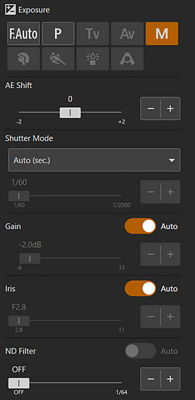
The on-screen display allows you to adjust your image settings such as iris, gain, white balance and more in real time and see the changes in real time.
Full Control Over Pre-set Positions
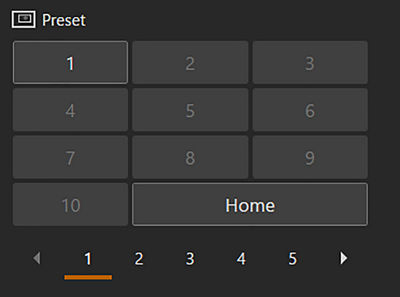
Control up to 100 pre-set angles per camera and switch between positions with ease. Trace function allows the recording of up to ten different movements (pan, tilt, zoom) which can be reproduced at the touch of a button.
Precise Adjustment and Control
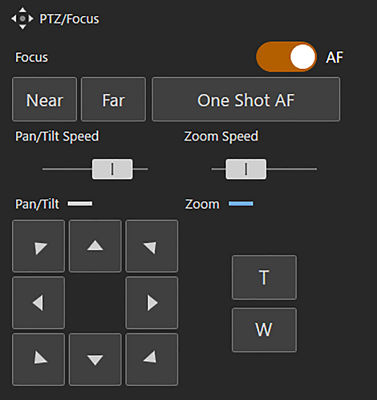
The application allows you to fine tune the image settings of the chosen camera such as iris, white balance, gain and much more as well as adjust your pan, tilt and zoom speeds.
Customizable Keyboard and Joystick Control
Use your keyboard and joystick to control cameras and settings and assign keys to adjust pan, tilt, zoom control. iris adjustment or gain settings can all be assigned giving you full control over your PTZ and Professional video setup.
Auto Tracking Control
Whether utilizing the free or paid version of the Auto Tracking software, the remote camera control application enables intuitive operation of the tracking settings.
- Adds the following new functions while operating CR-N400 / CR-N350.
- Operation and setting of the vertical crop functions.
- Operation and setting of the IP crop functions.
- Support for preset transition timing during registration.
- Adds the following new functions while operating EOS C50.
- Support for Flexible Zone in AF frame.
- Support for eye detection priority (right/left eye).
- Support for starting and stopping SRT/RTMP streaming.
- Support for bandwidth reduction mode.
- Support for registering cameras with the same IP address.
- Redesigned app icon.
SUPPORTED CAMERAS
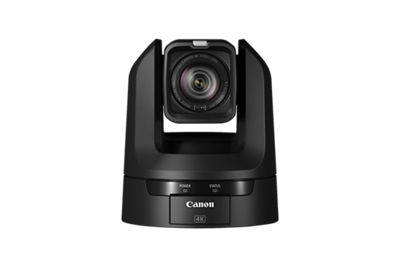
CR-N700
CR-N500
CR-N400
CR-N350
CR-N300
CR-N100
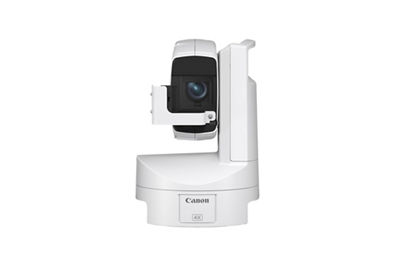
CR-X300
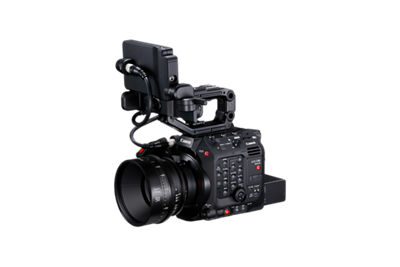
EOS C500 Mark II
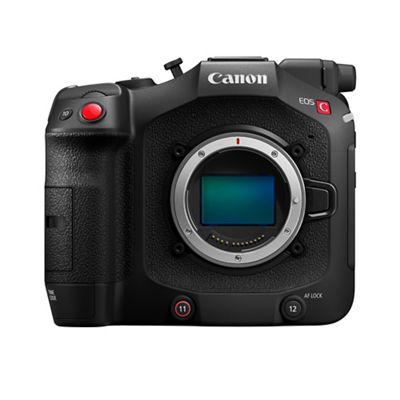
EOS C400
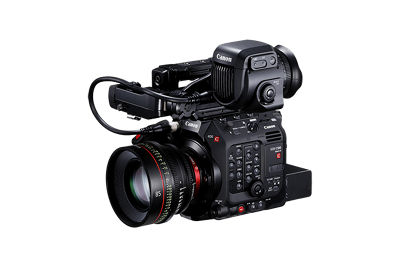
EOS C300 Mark III
EOS C80
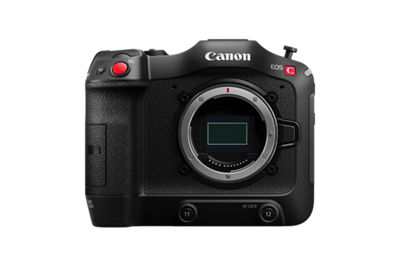
EOS C70
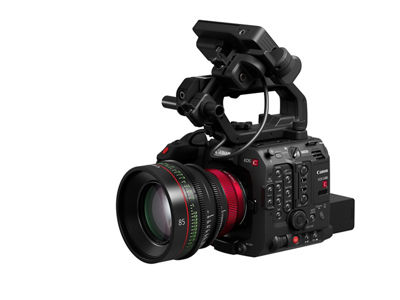
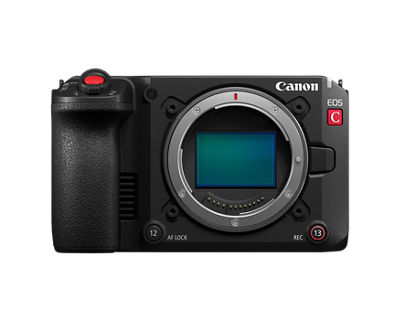
EOS C50
XF605


NEED IT FIRST
Sign up for up-to-the-minute Canon News, Sales and Deals.
SUBSCRIBE

STAY PLUGGED IN WITH CANON
Thanks for signing up!
The application has encountered an unknown error. Please try again in a few minutes!
By clicking Sign Up, you are opting to receive promotional, educational, e-commerce and product registration emails from Canon USA. You can update your preferences or unsubscribe at anytime.
LEARN WITH CANON
Discover great new ways to enjoy your products with exclusive articles, training and events.
Learn more