


Update Notice
Looks like you’re still using the older version!
Let’s get your software updated before you continue logging in or creating your Canon ID* account.
To update your software to 2.3g and continue, please follow the 5 steps below:
- Close and reopen the EOS Webcam Utility Pro application.
- Update your software to version 2.3g when prompted by the window (see image below).
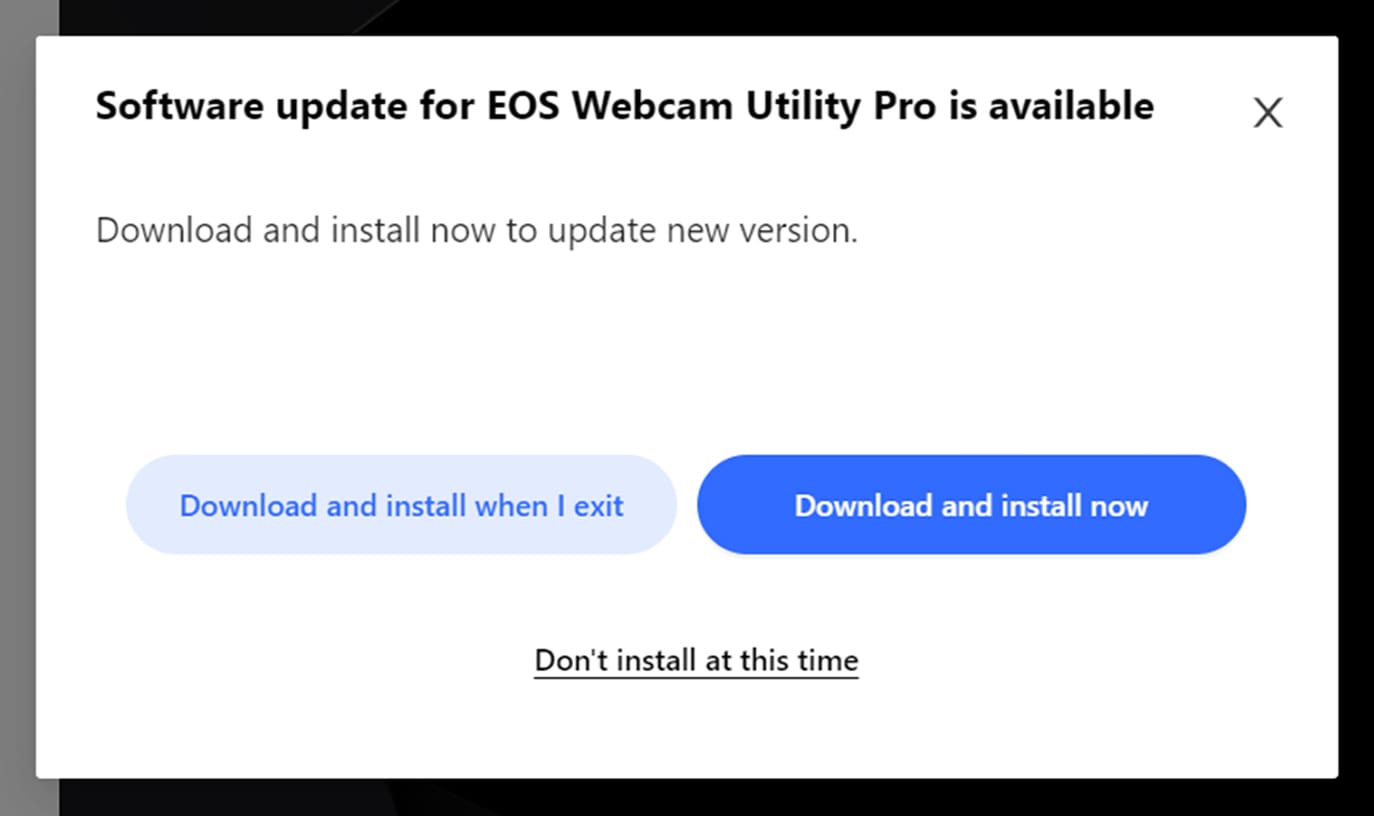
- Click “Download and Install now” and follow the on-screen instructions.
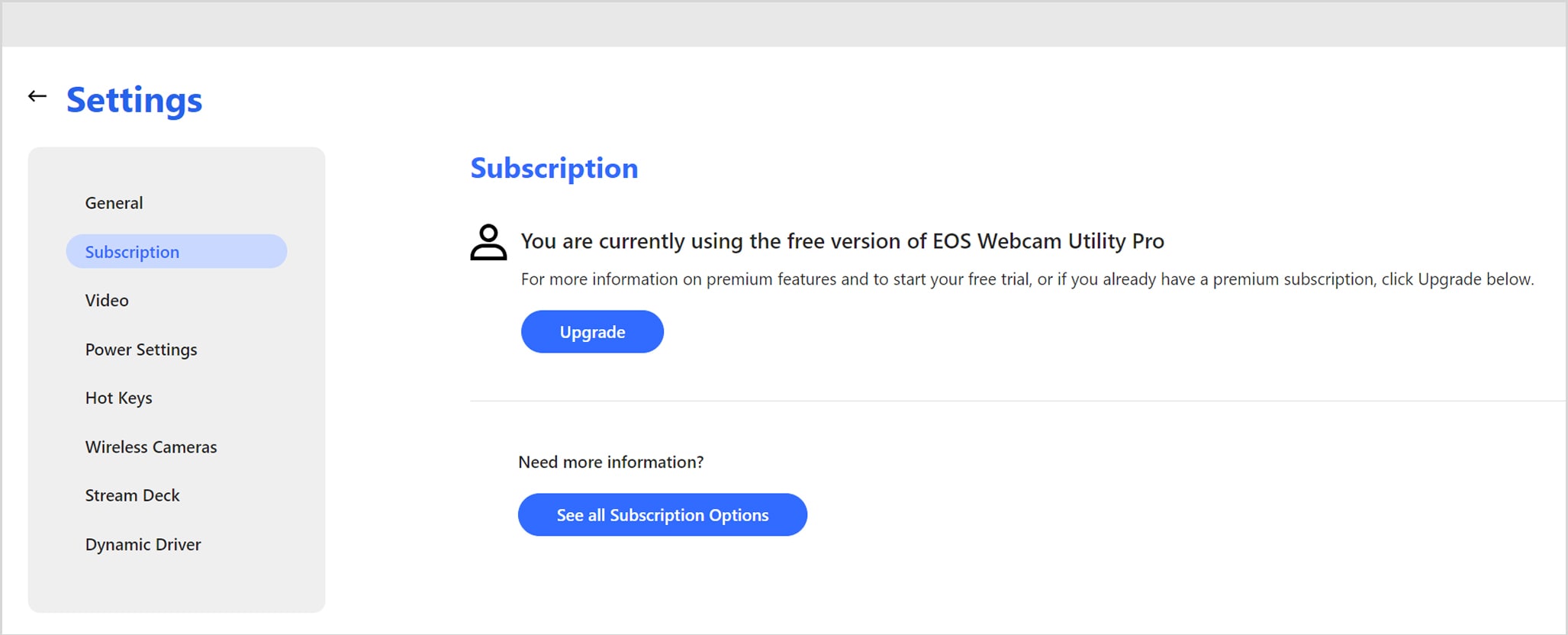
- Go to My Subscriptions in the top right corner, followed by “Upgrade”.
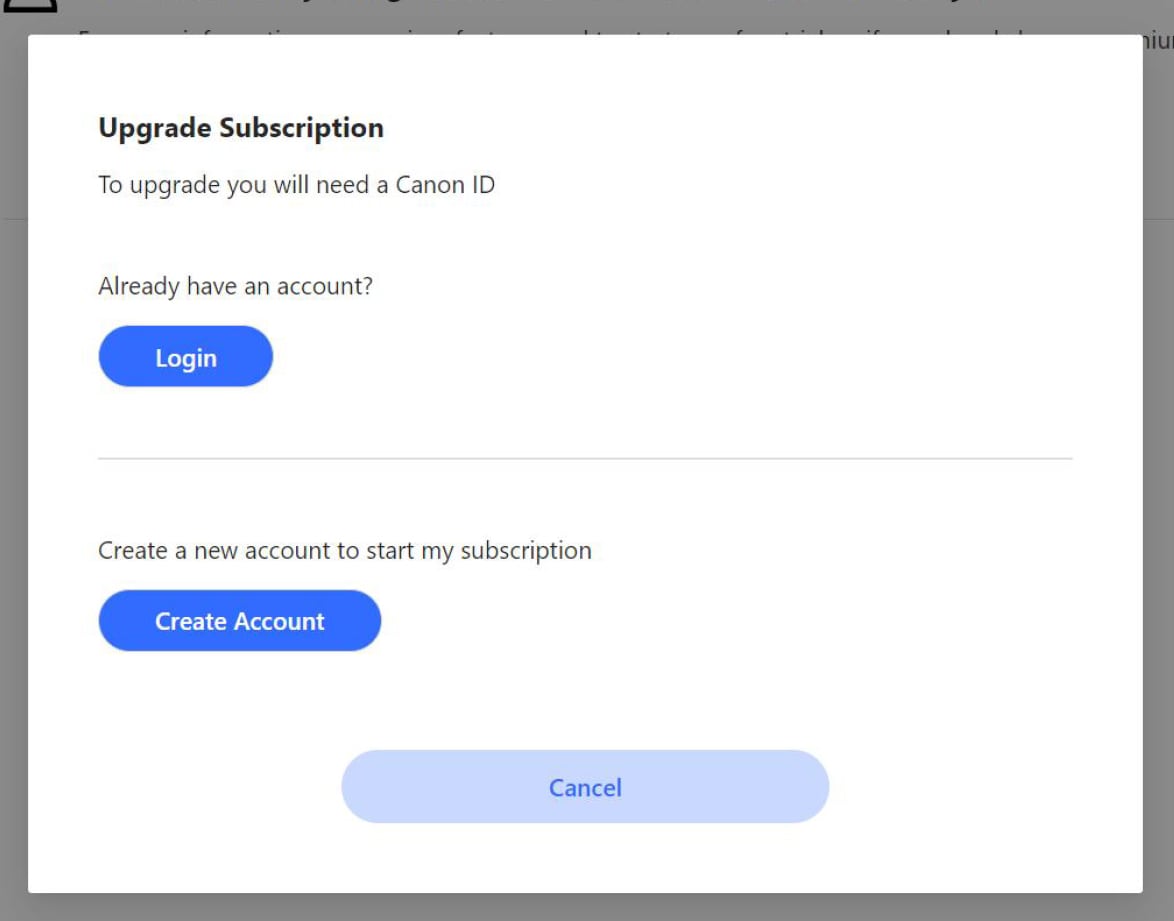
- Continue creating a Canon ID* account or login as usual.

* What is Canon ID Account?
Canon ID is a new single sign-on system across all Canon apps, services, and websites – including EOS Webcam Utility Pro software!
With Canon ID, you can log in using your email or social media credentials, enjoy enhanced security with dual-factor authentication, and access Canon platforms easily.
Need Help?
If you have any questions, please contact us at 1-800-OK-Canon.

Thanks for signing up!
The application has encountered an unknown error. Please try again in a few minutes!
By clicking Sign Up, you are opting to receive promotional, educational, e-commerce and product registration emails from Canon USA. You can update your preferences or unsubscribe at anytime.