
MREAL COLLABORATOR
Connect, Create Together with 3DCG
Footnote1 Trial terms apply, see below for details.
Overview
MREAL Collaborator is an XR application that allows multipleFootnote2 people to share the same 3DCG in life-size using compatible VR/MR headsets. In manufacturing applications, it supports problem discovery during design reviews and structural understanding. It can also be used for idea sharing, presentations, training, and creative activities.
Features
3DCG for Everyone, Made Easy
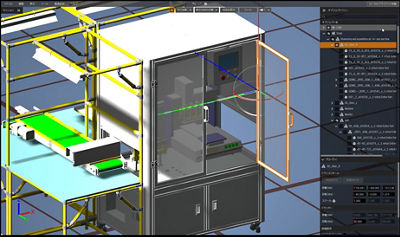
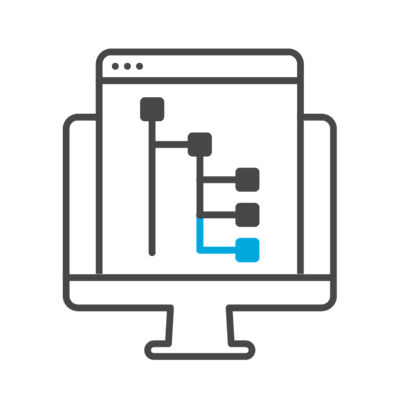
Based on Canon's years of accumulated XR expertise and feedback from the field, we have carefully selected essential functions for design reviews. With simple and intuitive operations, virtually anyone can use the application with ease. By utilizing the existing tree structure of 3DCAD files, modifying structures and switching displays is easy.
VR & MR, All in One App
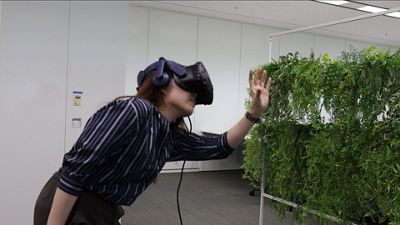
This XR application supports not only Canon MREAL products but also VR devices from certain manufacturers. If you already own a compatible headset, install the app on your computer to start using it.
Connecting through 3D, Expanding Ideas
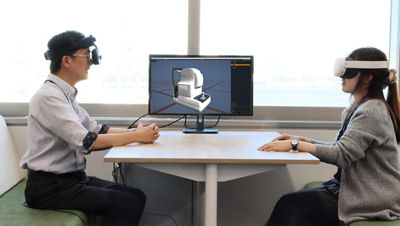
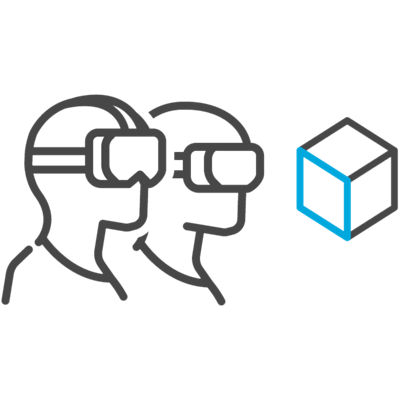
Since multipleFootnote2 people can view and manipulate 3DCG simultaneously, decision-making and idea-sharing can become seamless. This facilitates collaboration across various fields—not just in design and manufacturing, but also in education, sales, and creative industries.
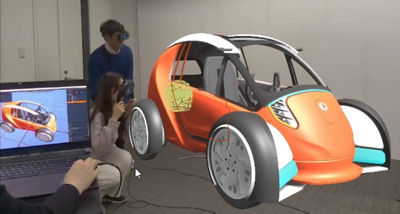
MR Experience (Objective view)

VR Experience (Subjective and Objective Views)
Key Features
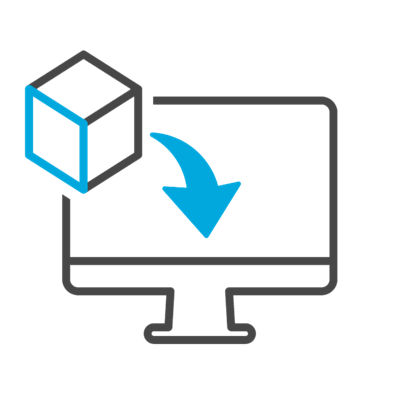
3D Data Import
Tree Structure Editing
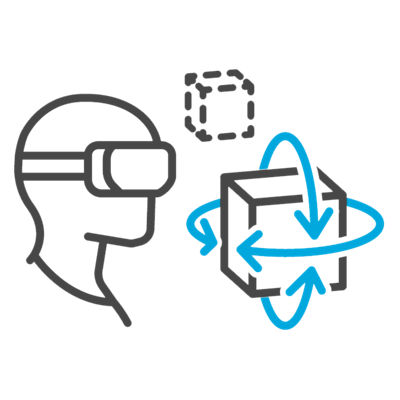
Move/Rotate Show/Hide
Multi-Person Collaboration
Target Setting
Product Specifications
(Recommended System Requirements)
Start Your XR Experience for Free, for a Limited Time
MREAL Collaborator is available to use free of charge until June 30, 2027. Please take this opportunity to try it out.
- Available for Windows only. Download for full feature access through June 30, 2027. No credit card required—access ends automatically with no financial obligation. Uninstall anytime to cancel.
- Maximum of 4 devices can connect simultaneously within the same network.